“Geo zones” or geographical zones are for calculating the delivery and tax cost. Multiple zones can be added to one geographical zone.
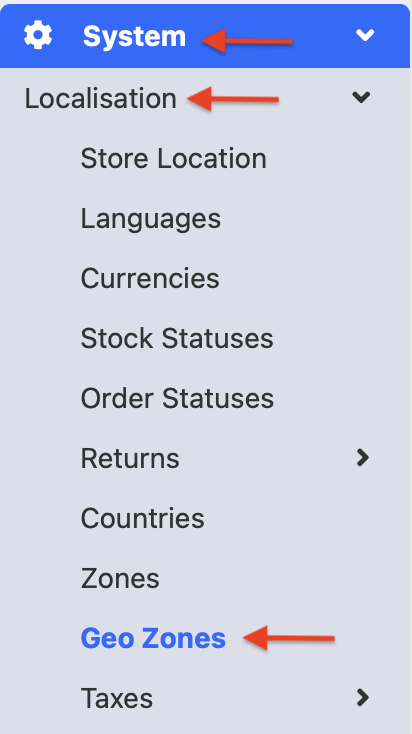
To create a “geo zone” from the admin panel go to System >> Localisation >> Geo Zones.
A new zone can be added by clicking on the blue Add button.

Add a title and click on the blue button to add a new country.
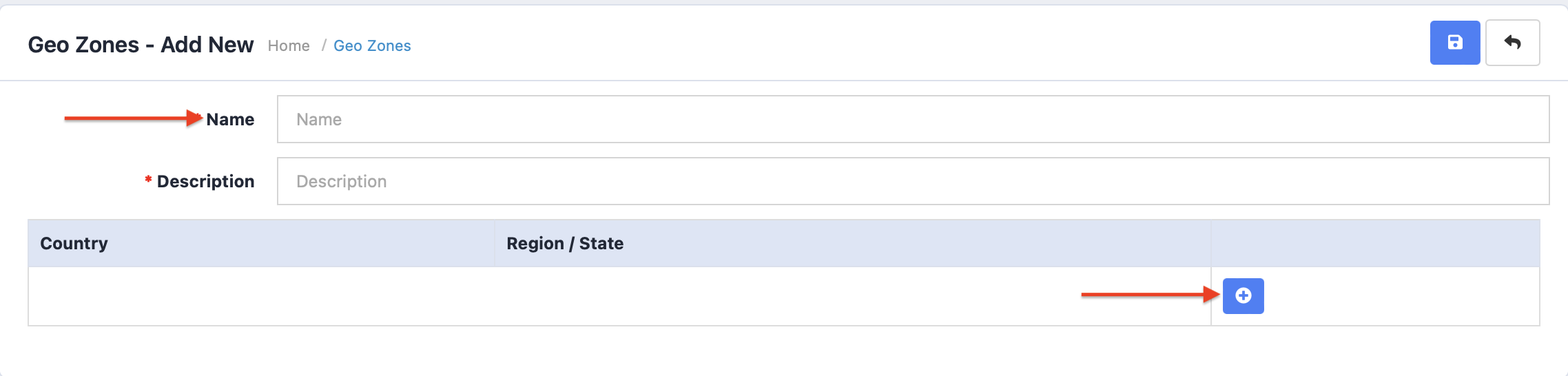
When all countries have been added, a Geo zone is created.

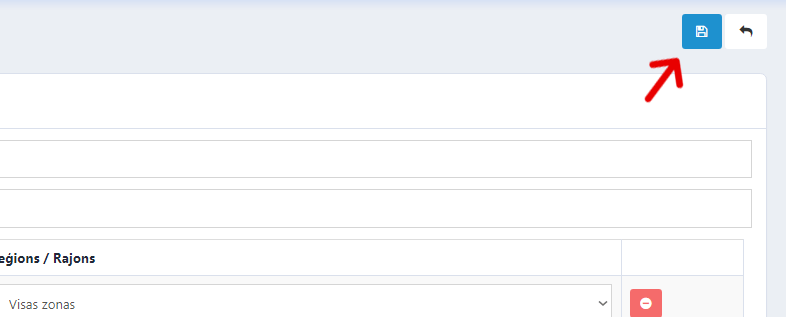
When the desired has been completed, click Save changes.
This geographical zone can be added to shipment and payment types.