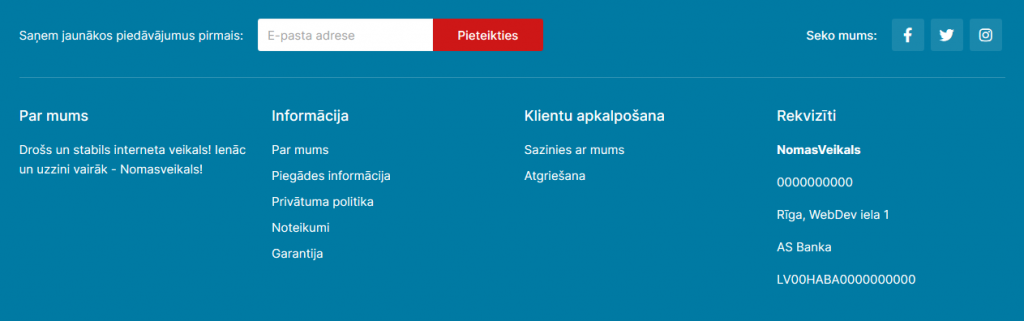
In this module you can add or delete name to the relevant records. Altogether 4 columns are allowed. Less is also possible, but no more than 4.
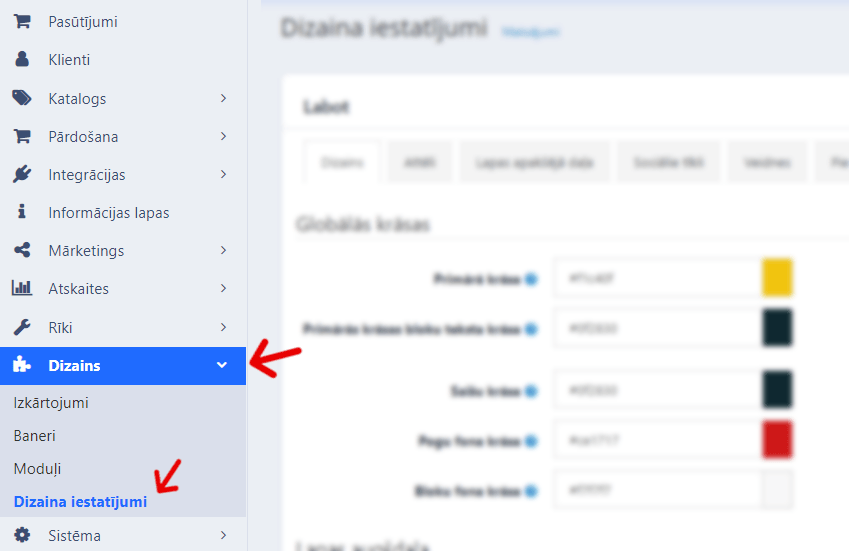
To make the desired changes go to Design >> Design Settings.
Go to Bottom of the page section.
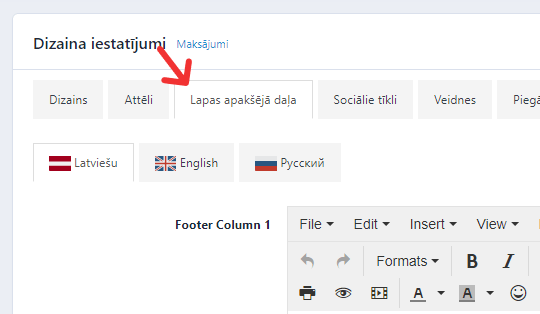
Fill out the necessary fields. If the store has multiple languages, do so to each.
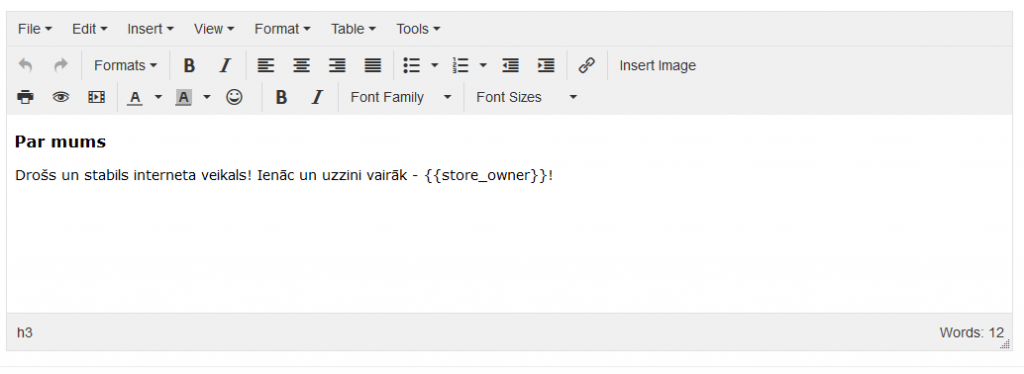
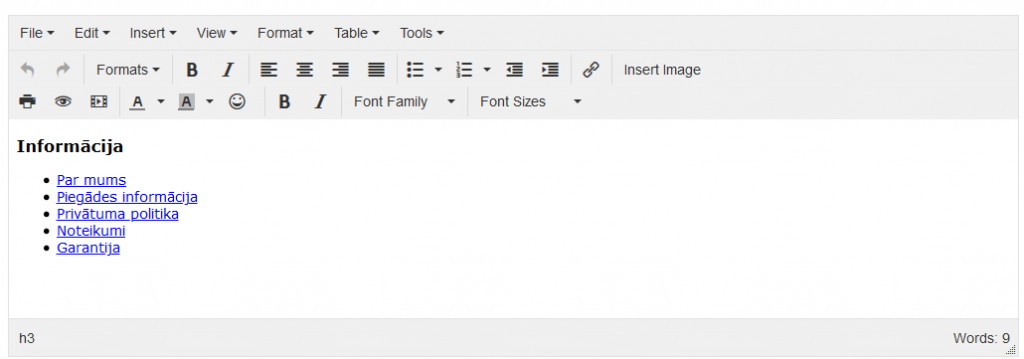
For each name provide a way to the information page, for example, Delivery information. To do it, copy the About delivery URL address.

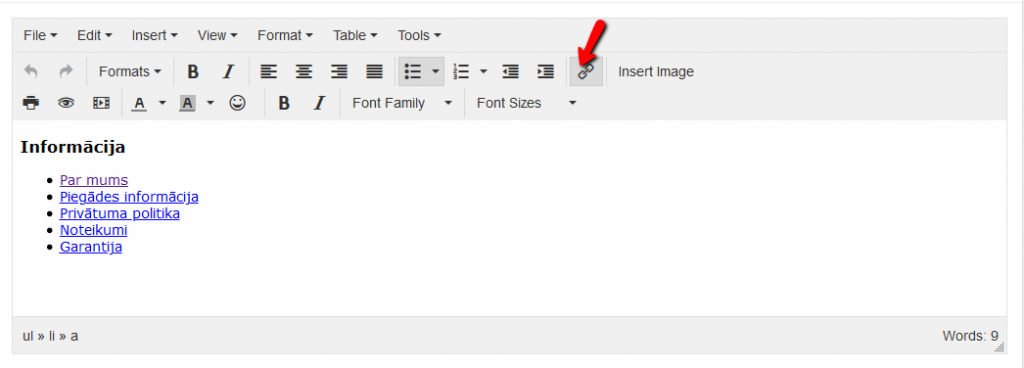
Open Instert/edit link.
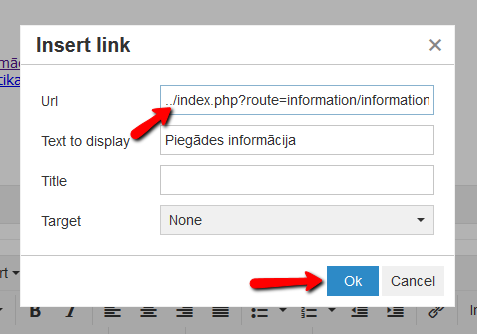
Paste the link in the URL field.
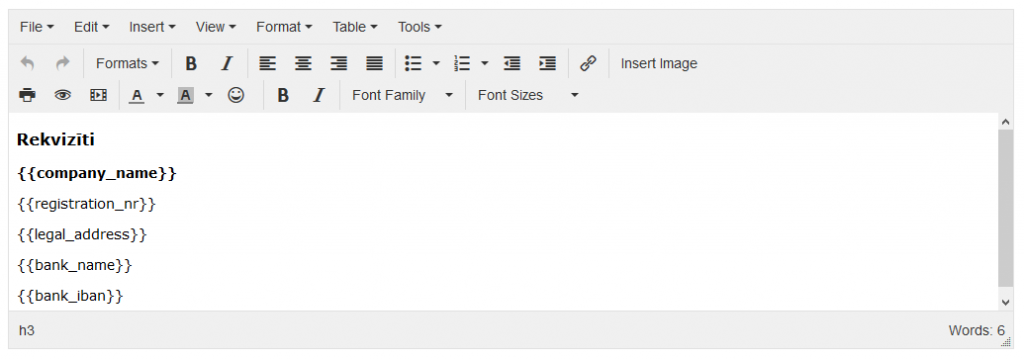
Fill out the store properties but remember not to delete the brackets.
After the changes have been made, save the page.
