Unlike the main category photo, pictures in the subcategory are horizontal.
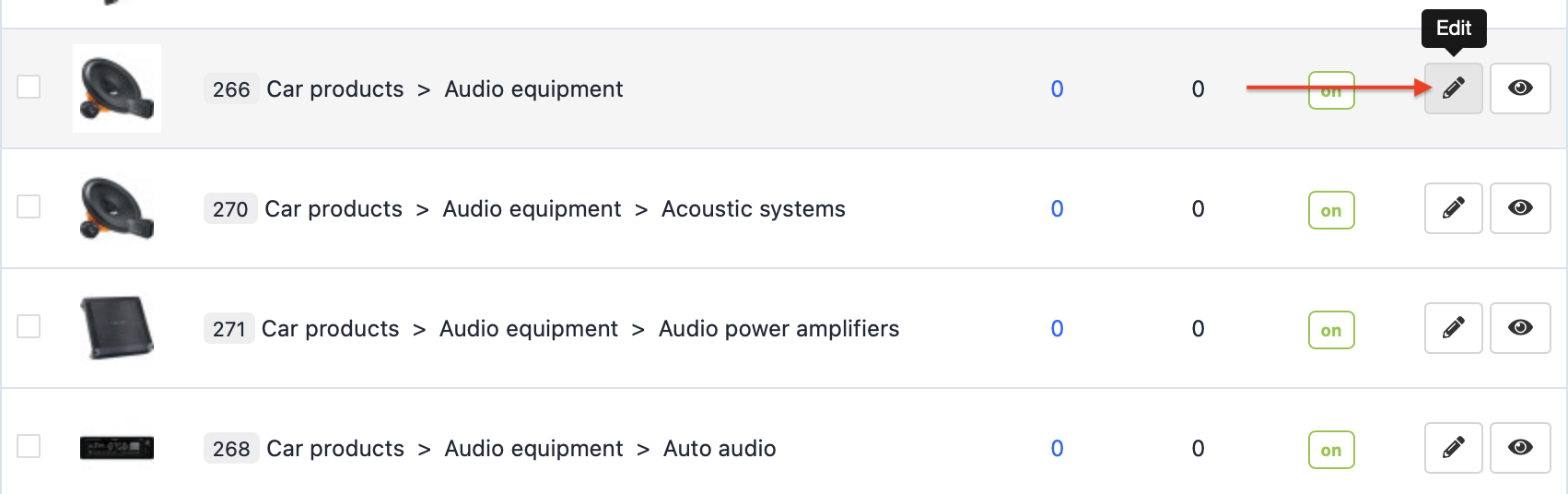
To add a subcategory picture, go to Catalogue >> Categories and choose the desired subcategory.

Select a subcategory, that we want to edit and click the Edit button.
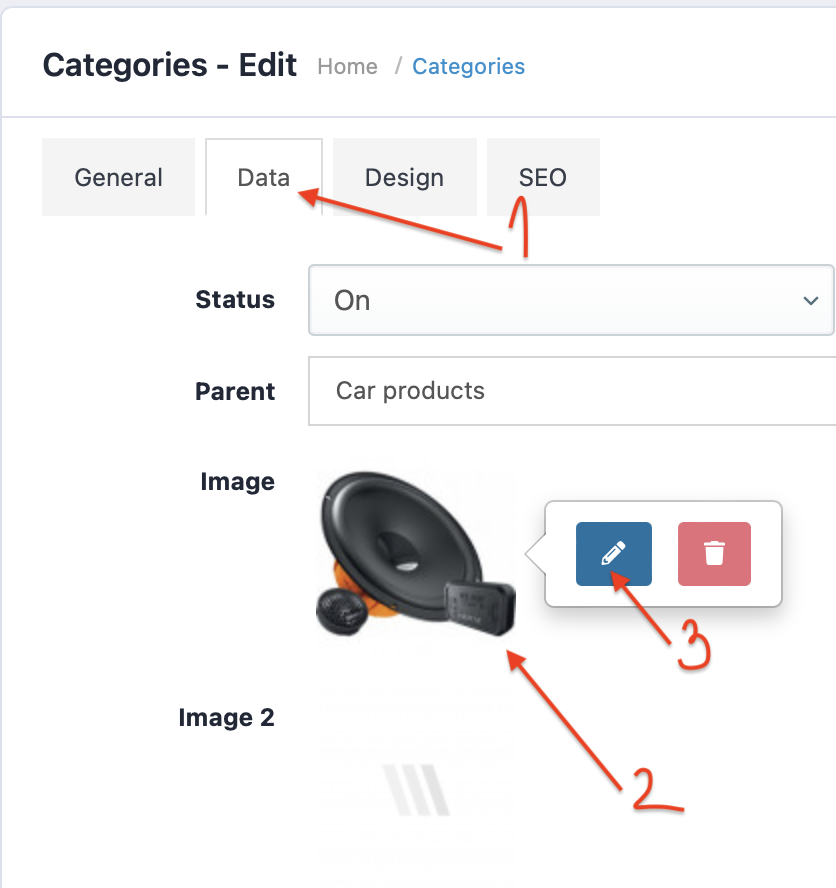
In the Data section we add the required photo from the server.
Add the photo and save changes.