In this manual you can find explanations and directions for the layout of the store structure.
Navigation bar – read more in How to add a navigation bar.

Banners – read more in section Creating homepage banners.
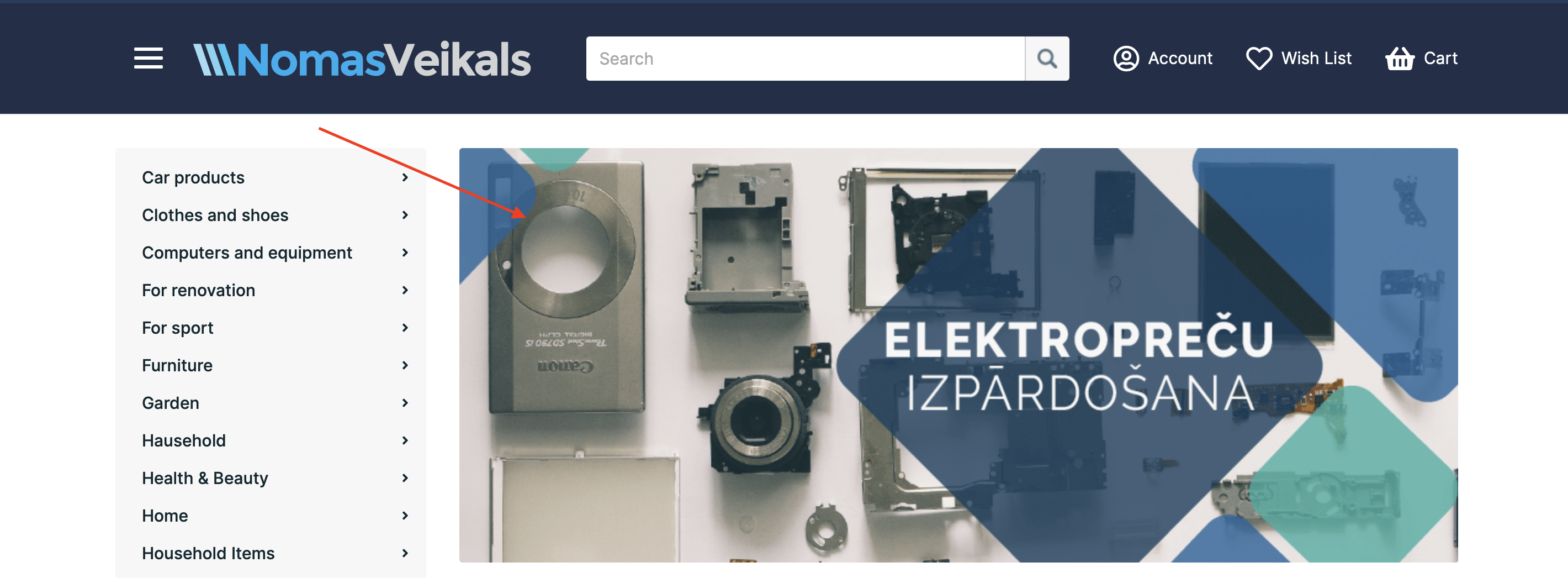
Category – read more in section How to add categories.
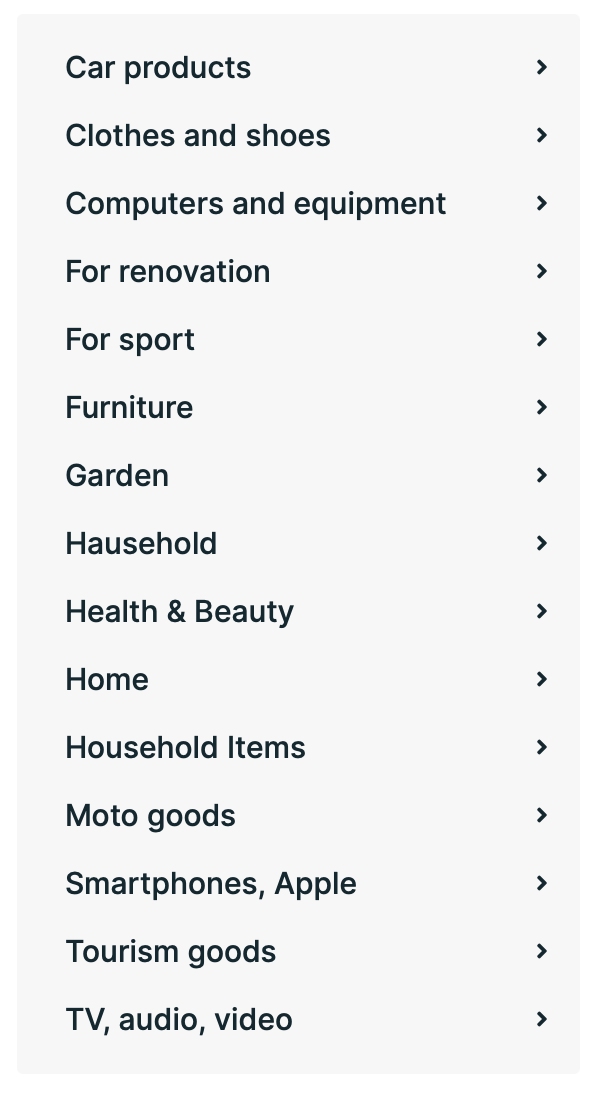
Category photo – read more in How to add an image to the main category.

Subcategory – read more in section How to add a subcategory.
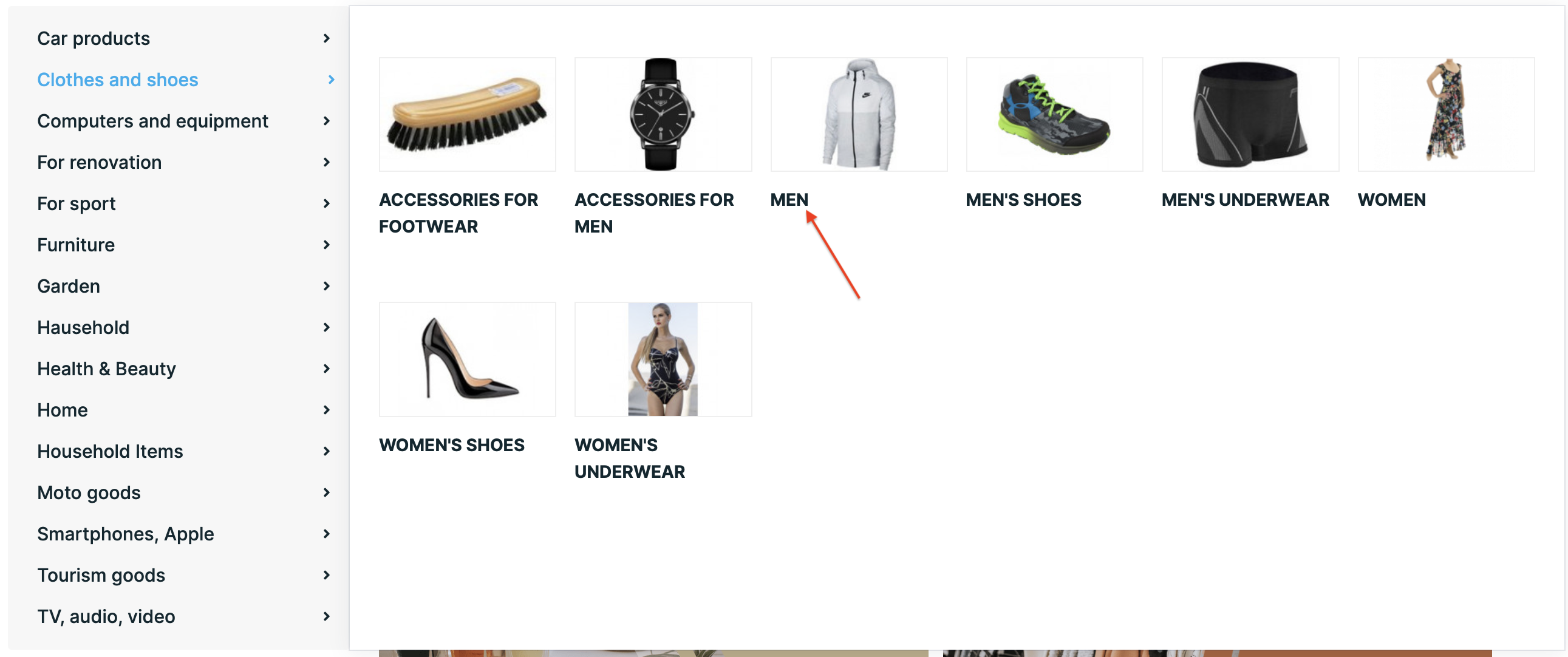
Subcategory photo – read more in section How to add an image to the subcategory.
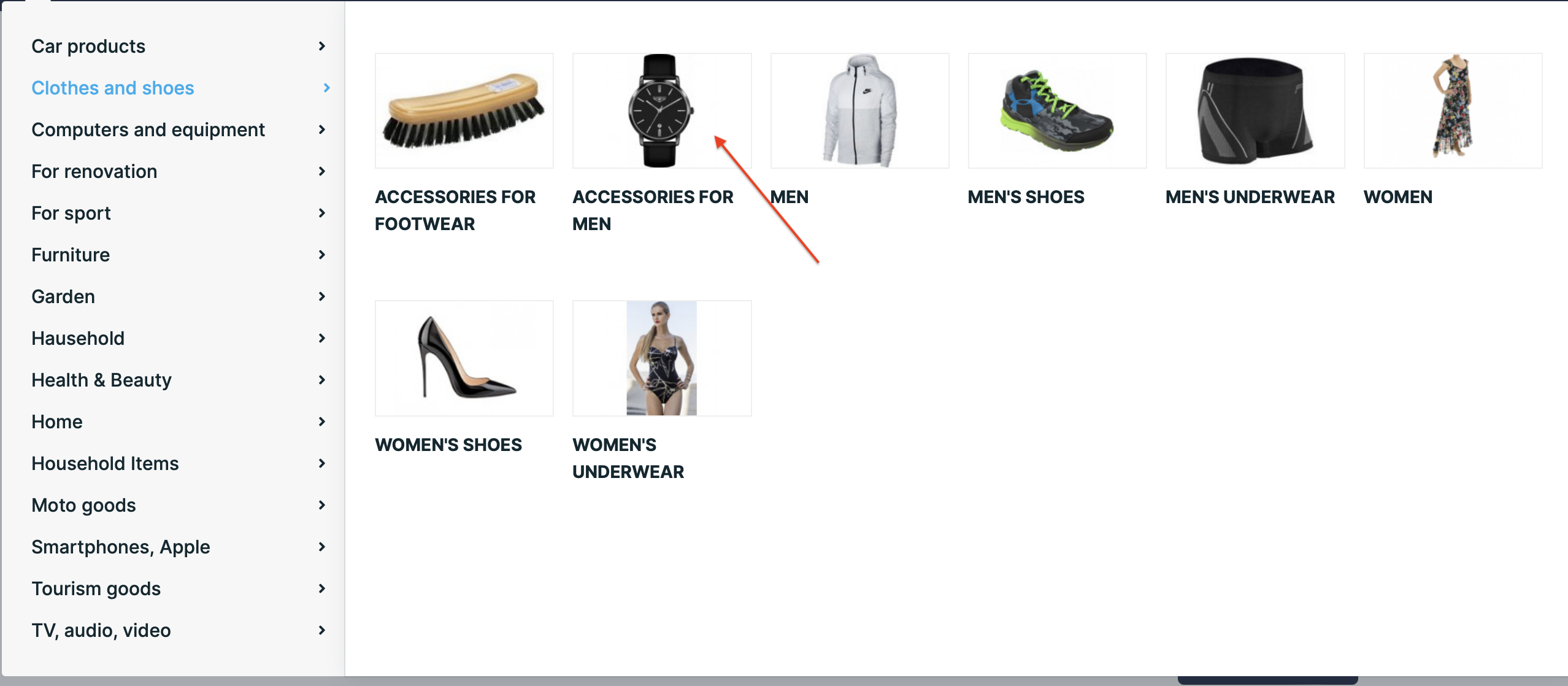
Trust blocks – read more in section How to create trust blocks.

Manufacturer logo – read more in How to add a manufacturer’s logo to products.
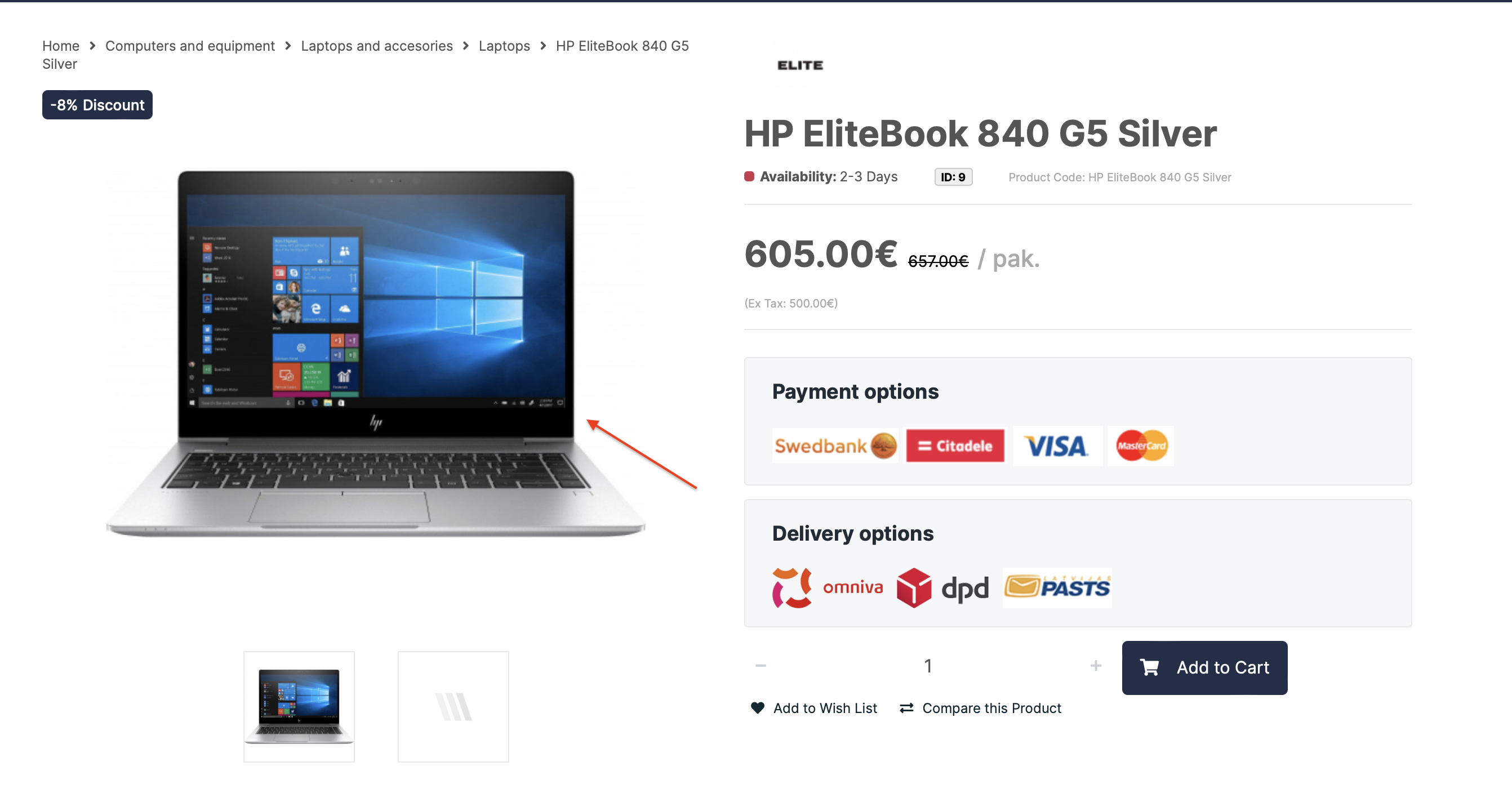
Product photo – read more in section How to add a photo to a product.
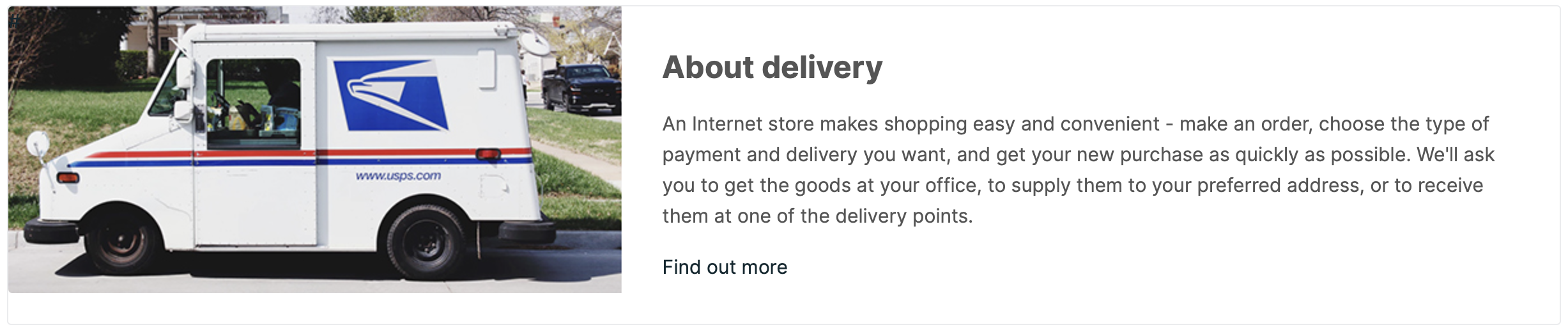
Delivery block – read more in How to add delivery blocks.
Shop icon – read more in How to add a shop icon.

Store logo – Read more in How to add a store logo.

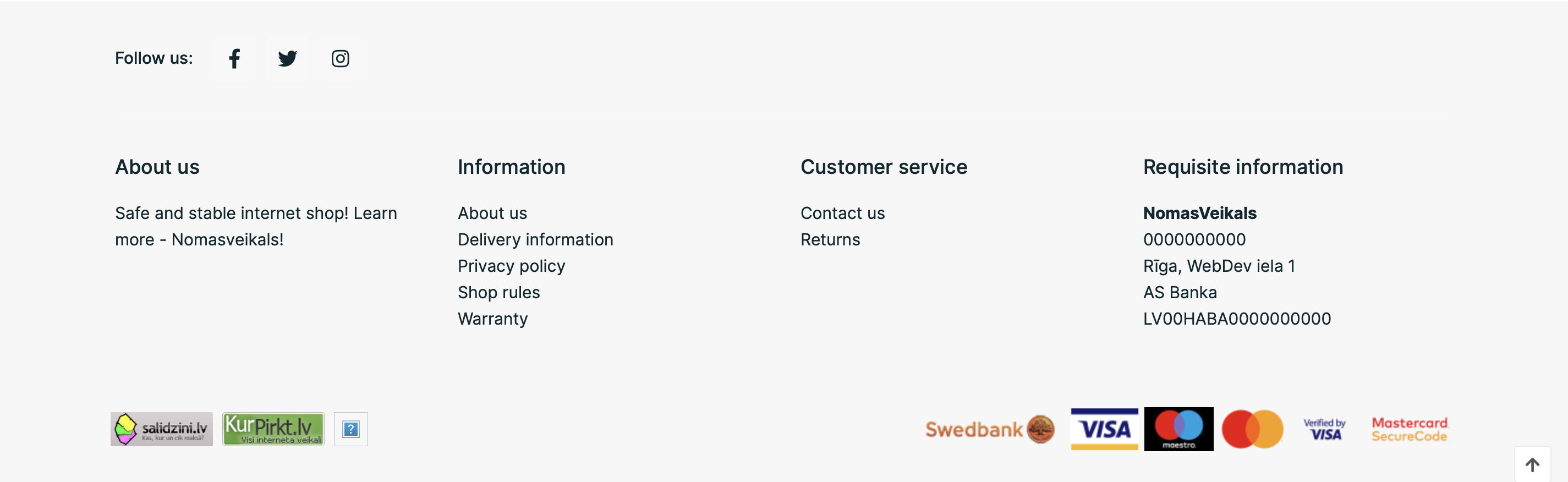
Footer – Read more in section How to add information at the bottom of the page (Footer).
Product block – Read more in section How to add product blocks to your store.
Information content – for example, About Delivery, Warranty Terms, read more in How to add information content.
